 MedStar Insurance Agency
· MedStar Insurance Agency · Medicare · 2 min read
How to Fill Out The SOA on the Phone
A Medicare SOA (Scope of Appointment) is a required form that documents which topics a beneficiary agrees to discuss with an agent before a one-on-one meeting (in person or by phone). It's designed to protect consumers from unsolicited marketing.
Key points:
- Must be completed before discussing Medicare Advantage (Part C) or Part D plans.
- Can be completed electronically, by paper, or recorded verbally.
- Valid for 12 months unless the beneficiary requests changes.
- Required by CMS (Centers for Medicare & Medicaid Services).
Topics on the SOA may include:
- Medicare Advantage
- Part D prescription drug plans
- Medicare Supplement (optional inclusion)
- Dental, vision, hearing, etc.
Agents who don’t obtain an SOA before discussing plans can face compliance violations.
Screen-shots
Here are some screen shots to help you submit the SOA form.
A. Text or Email
First you will recieve a the request by text or email which will contain a URL to view and submit the form. This should open a browser when you tap on it.
If a browser does not open then you can open a browser (either on your phone or laptop or any computer) and enter the URL manually.

B. Fill out the form
The form should be pre-populated with your name and address, just check it to make sure it’s correct.
- Check all the products you want to discuss: Advantage, Supplement, Prescriptions, Ancillary.
- Check the box at the bottom: “By checking this box, I have read and understand the contents…”
- Press the “Submit” button to submit the form to me.

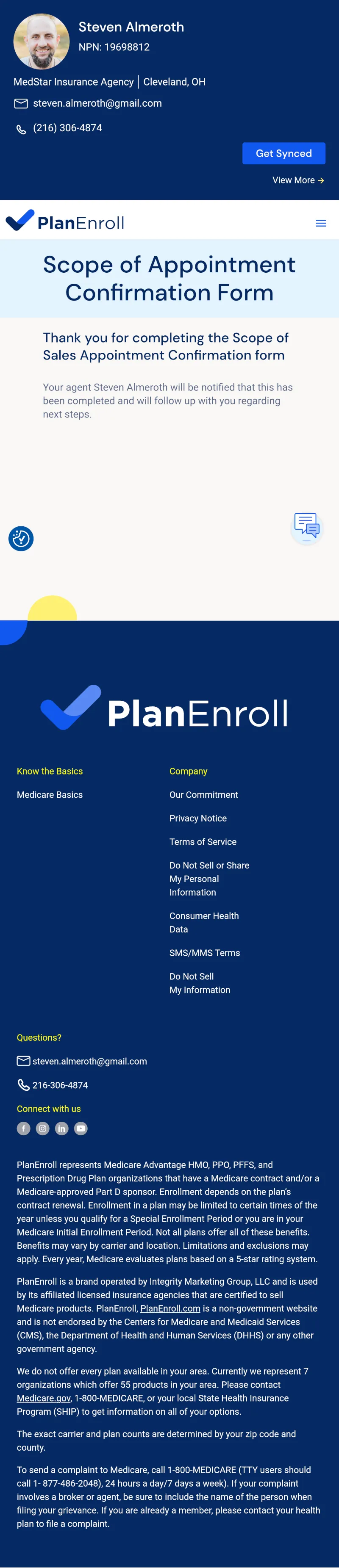
C. Thank you
When you’re done it should say Thank You.
I'm here to help you navigate your options and find the right plan for your needs. Call me at 440-622-2112 today for a free consultation.
Send a Message